01 · CAST & WAIT
Cast, then wait.
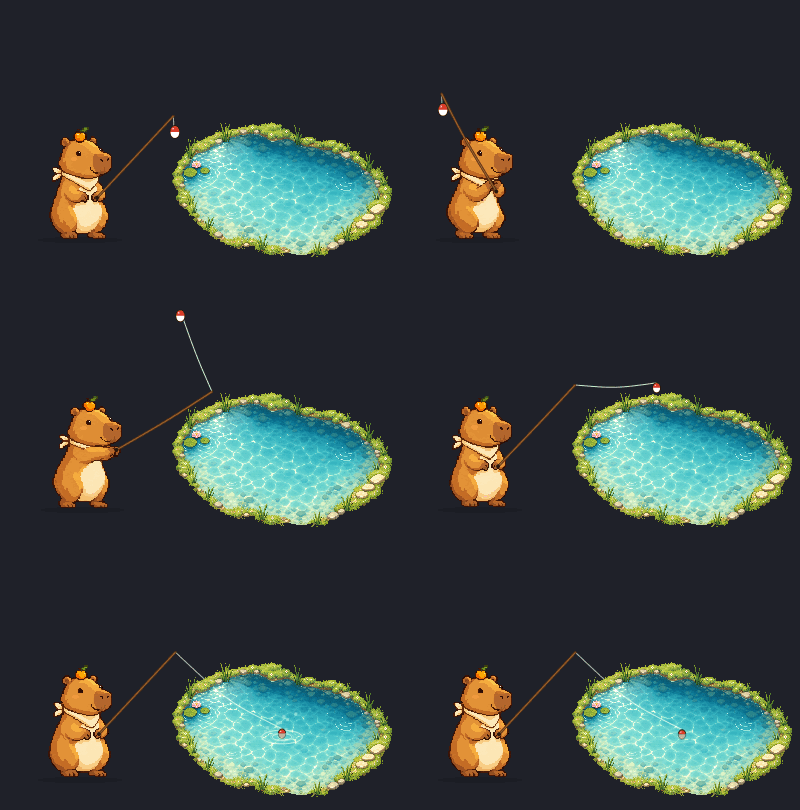
Once the bobber touches the water, an 8–18 second wait begins. Just before a bite, a shadow drifts toward it underwater.
 Capybobber
MAC DESKTOP PET · FISHING
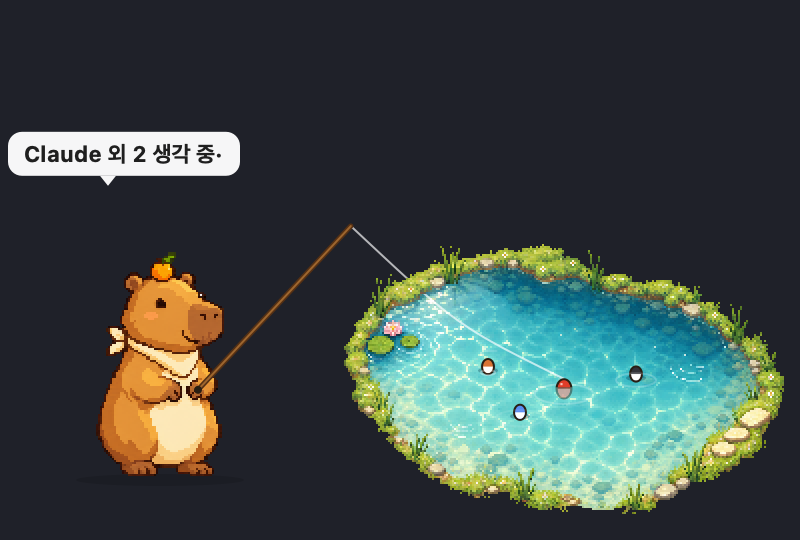
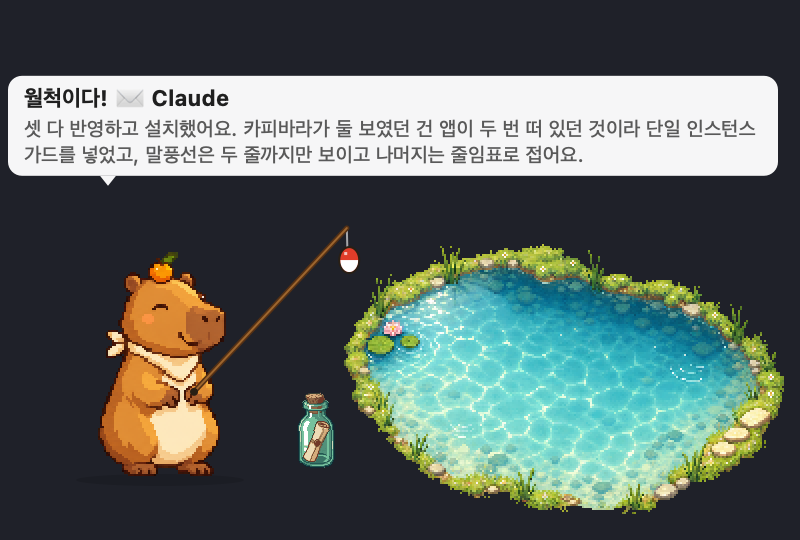
A macOS pet that fishes leisurely in the corner of your desktop. When Claude Code or Codex finishes a task, it reels in a message bottle.
Browser demo. The real app floats transparently on your desktop.
01 · CAST & WAIT
Once the bobber touches the water, an 8–18 second wait begins. Just before a bite, a shadow drifts toward it underwater.
02 · AUTO / SEMI
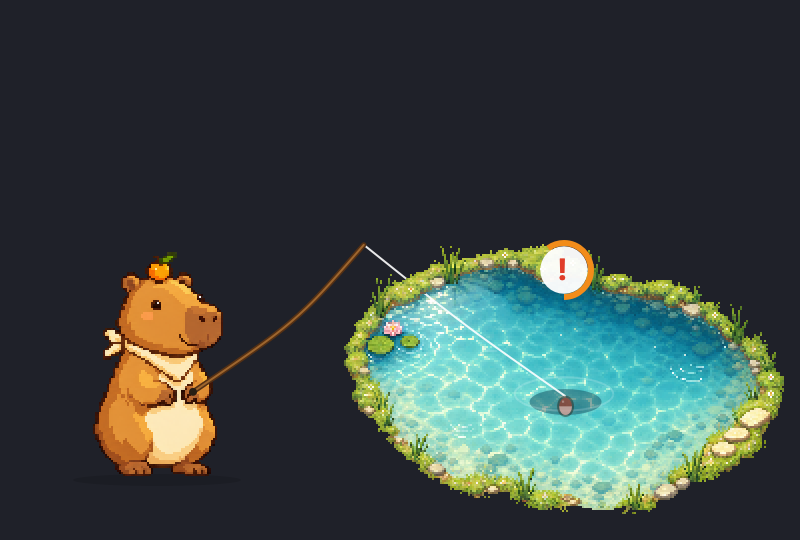
Auto hooks bites on its own. Semi-auto shows a ! — click the pet within 8 seconds.
03 · HIDE & NOTIFY
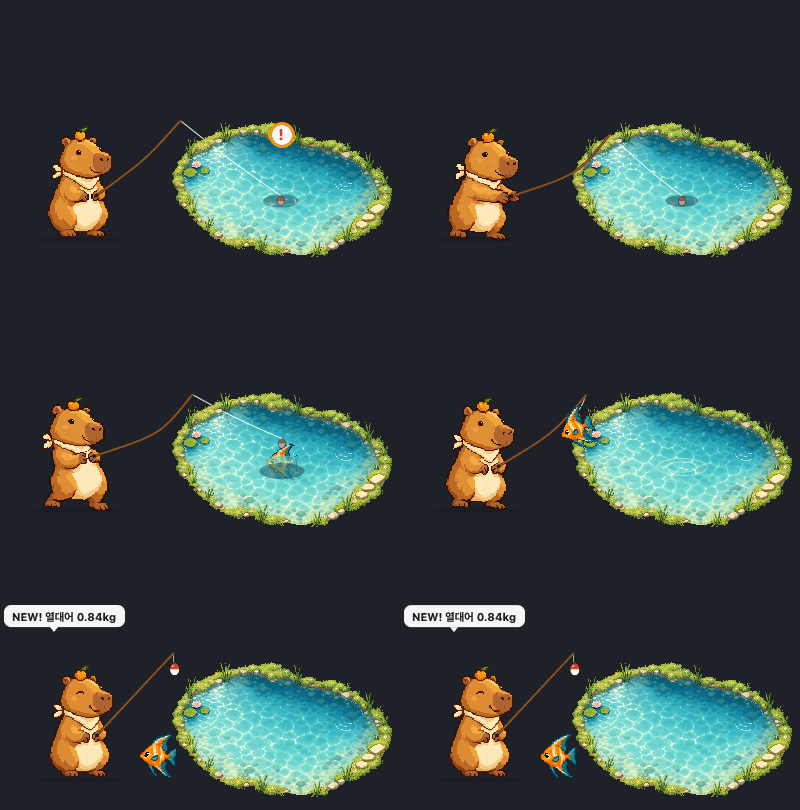
Bites arrive as macOS notifications. Click one and the pet reappears.
04 · JUNK HAPPENS
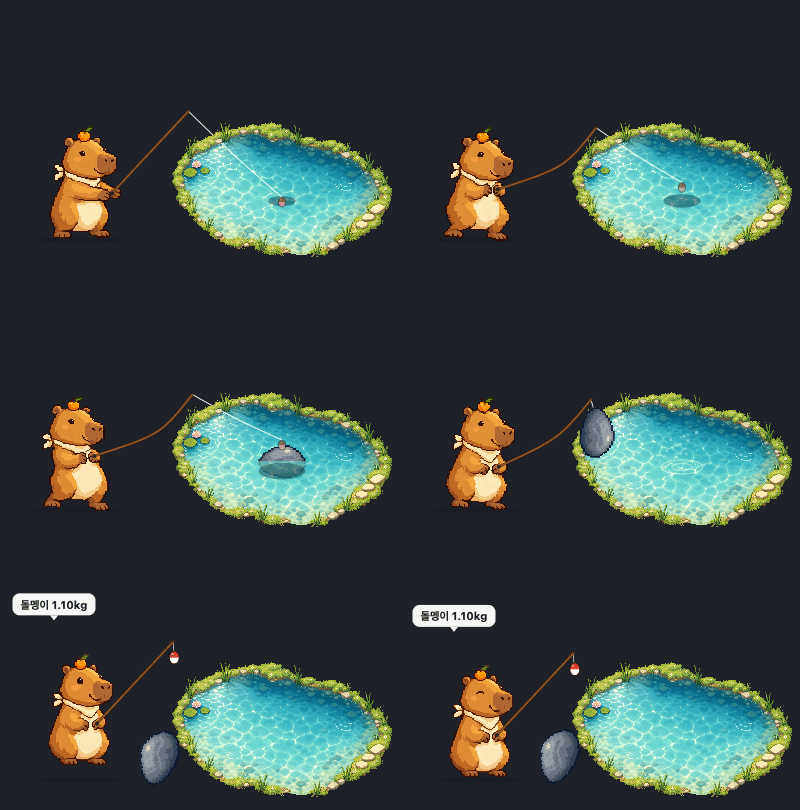
Boots and stones make it into the field guide too.
05 · AGENT MODE
Send it a question and the line goes in. When the reply lands, it's a catch! — a message bottle with the first two lines of the reply. Connect with one click in settings.

06 · LITTLE HABITS
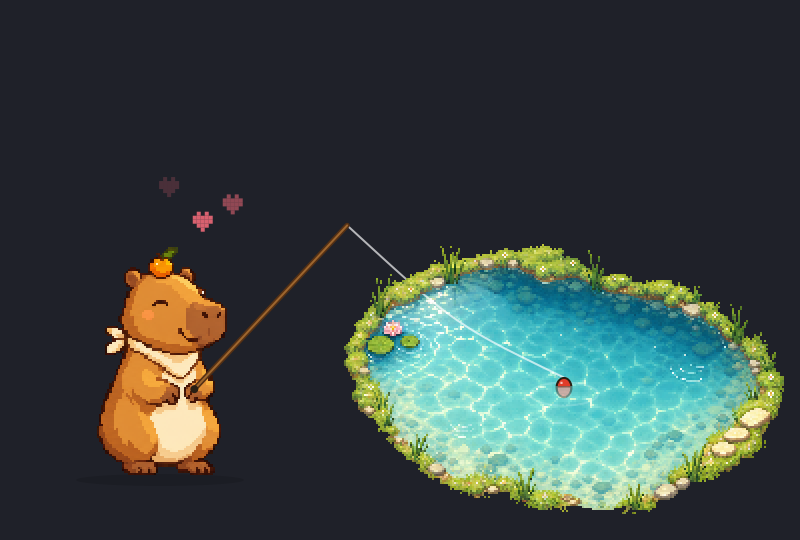
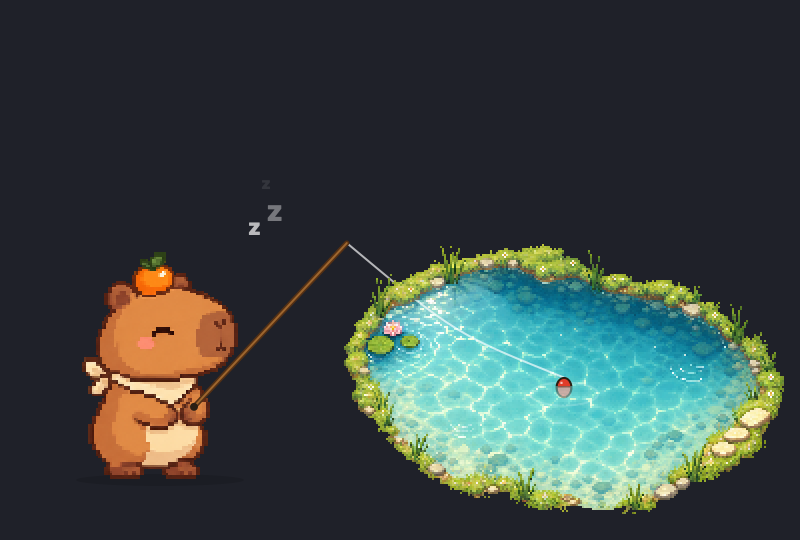
Petting draws a heart, dragging stretches it, a quiet minute means a nap. A "change the bait" reminder nudges you to rest too.
CHOOSE YOUR CAPYBARA
Click an image in settings to switch instantly. Field guide, mode, and notification settings stay put.






THE LITTLE FIELD GUIDE
6 kinds of fish, 2 kinds of junk. Catch counts and best weights add up.
WHY CAPYBOBBER
Outside the pet, clicks pass straight to the app underneath.
No account, no server. The hook sends only the start of the reply — never your code.
One pixel is one pixel. Barely touches the CPU.
GETTING STARTED
Drag it to whichever corner you like.
4 capybaras, 3 ponds.
Settings → Agent tab → Connect. Then switch to ✉️ Agent mode.
FAQ
No. Auto mode handles everything on its own. Semi-auto only needs a click when it bites.
Fishing mode catches fish. Agent mode reels in Claude Code or Codex replies as message bottles instead.
A session id, project folder name, and the first 220 characters of the reply. Never your code. Connect and disconnect with one click.
Just macOS notification permission. No account, no server — everything stays on this Mac.